SMART DISCOVERYYour next favorite
Your next favorite
is already waiting.
Taste mixes and mood radios built around your listening history, loved tracks, and favorite artists. Less searching. More finding.
LESS NOISE. MORE MUSIC.
Ad-free YouTube Music. Lossless FLAC. From your pocket to your desktop, a beautifully simple player that lets the music do the talking.
01 / SOUND COMES FIRST
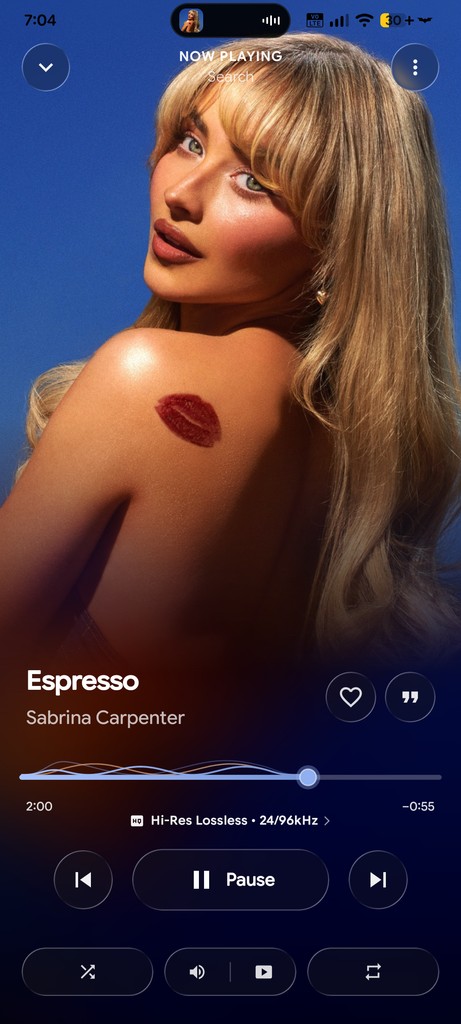
Give your favorite records room to breathe. Play your local FLAC files or explore lossless audio through supported sources. Then dive into YouTube Music, all in the same app.
A little more about audio qualityFor Hi-Res addons and more info, contact support on Discord or Telegram .
Create your addons02 / THE GOOD STUFF
Everything you love about listening.
And a few things you didn't know you needed.
Taste mixes and mood radios built around your listening history, loved tracks, and favorite artists. Less searching. More finding.
Real-time karaoke lyrics that move with the music. Fluid animations make every chorus feel a little closer.
Save your favorites with cover art and lyrics. Your soundtrack comes along, even when the internet doesn't.
03 / LASTWAVE FOR ANDROID
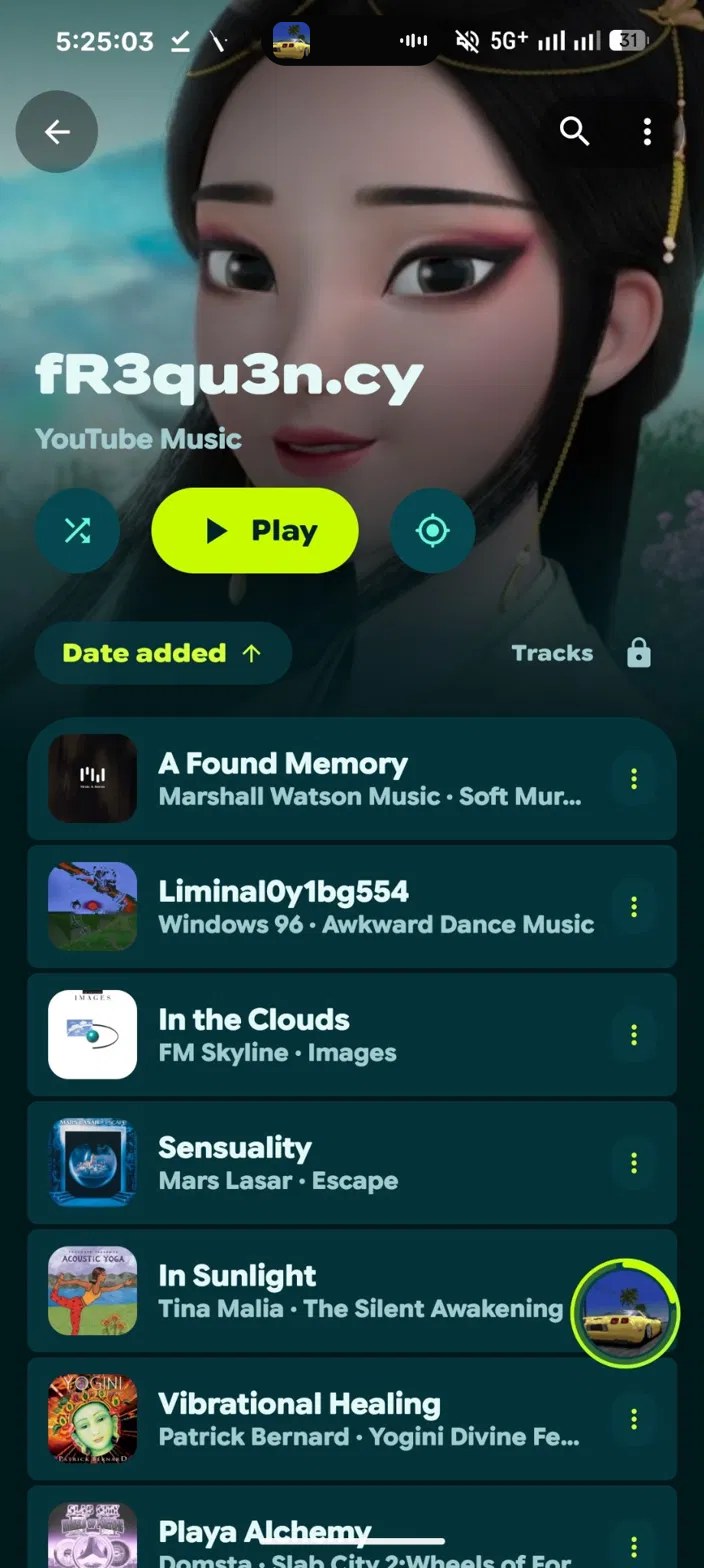
Your daily soundtrack, beautifully at home on Android. Fluid motion, colors that follow your music, and every favorite just a thumb away.
Get LastWave for Android Android 7.0+ LastWave / ANDROIDThe player
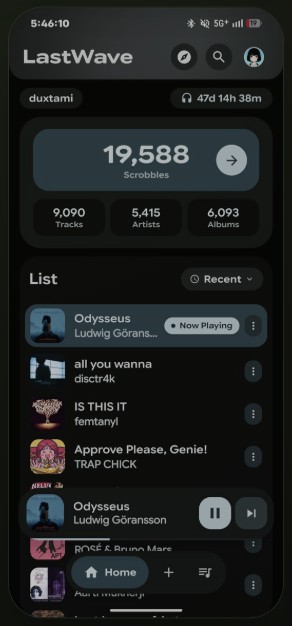
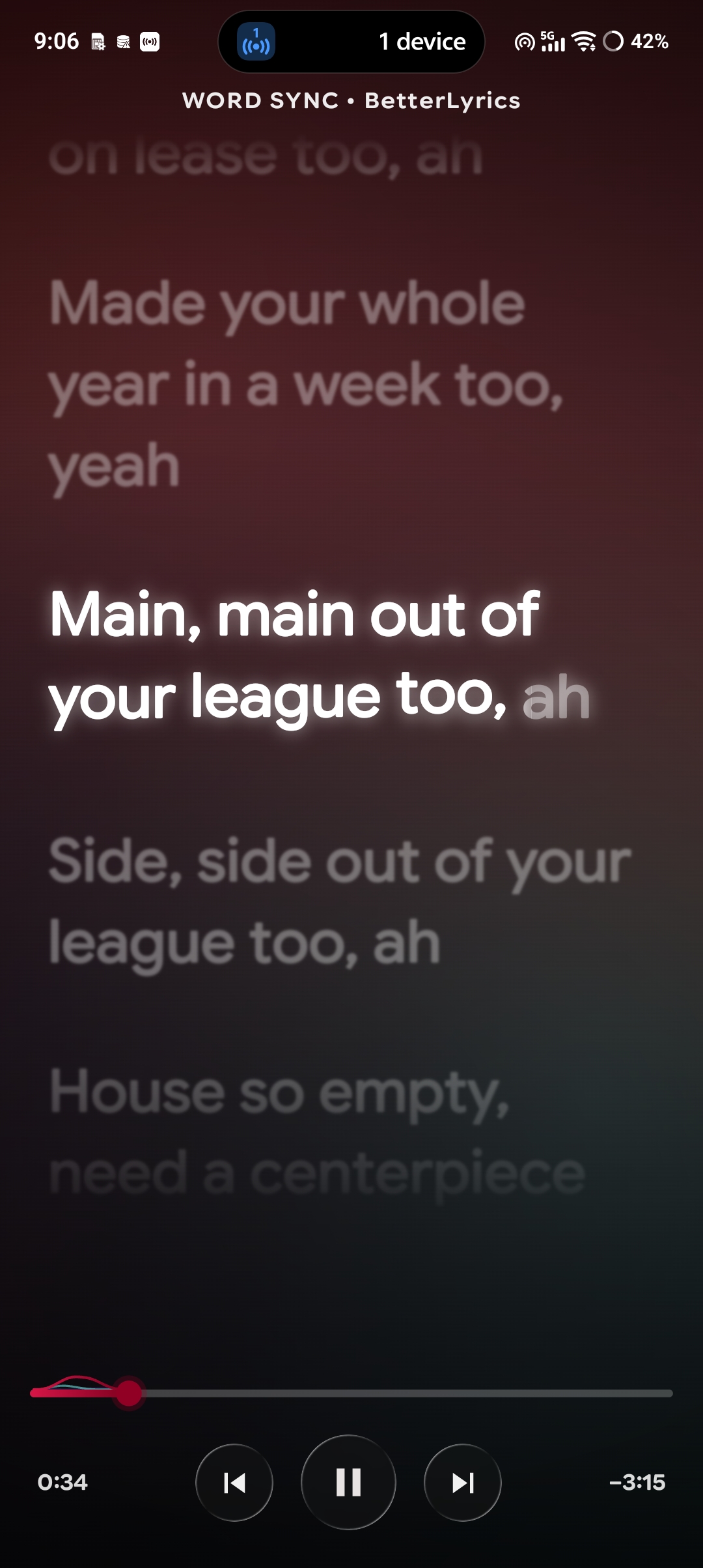
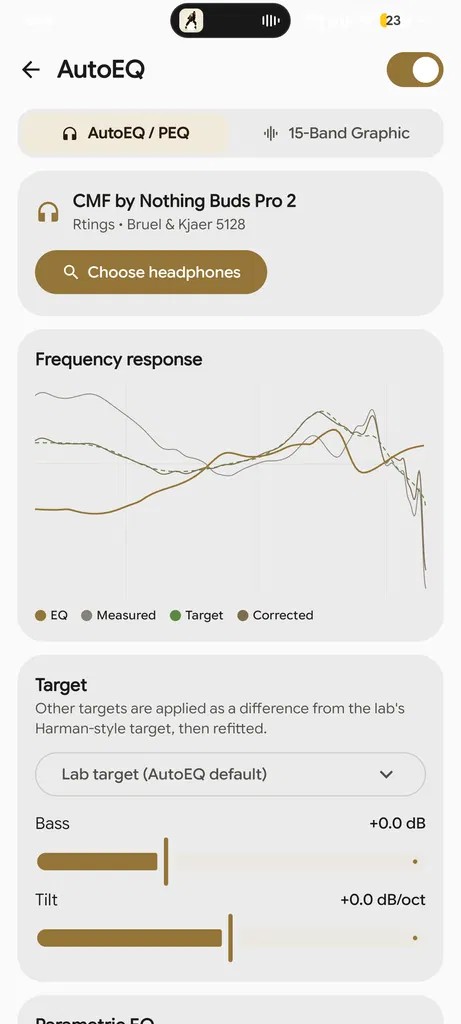
Full-screen cover art, a familiar player, and colors that adapt to what you're listening to.
04 / LASTWAVE FOR DESKTOP
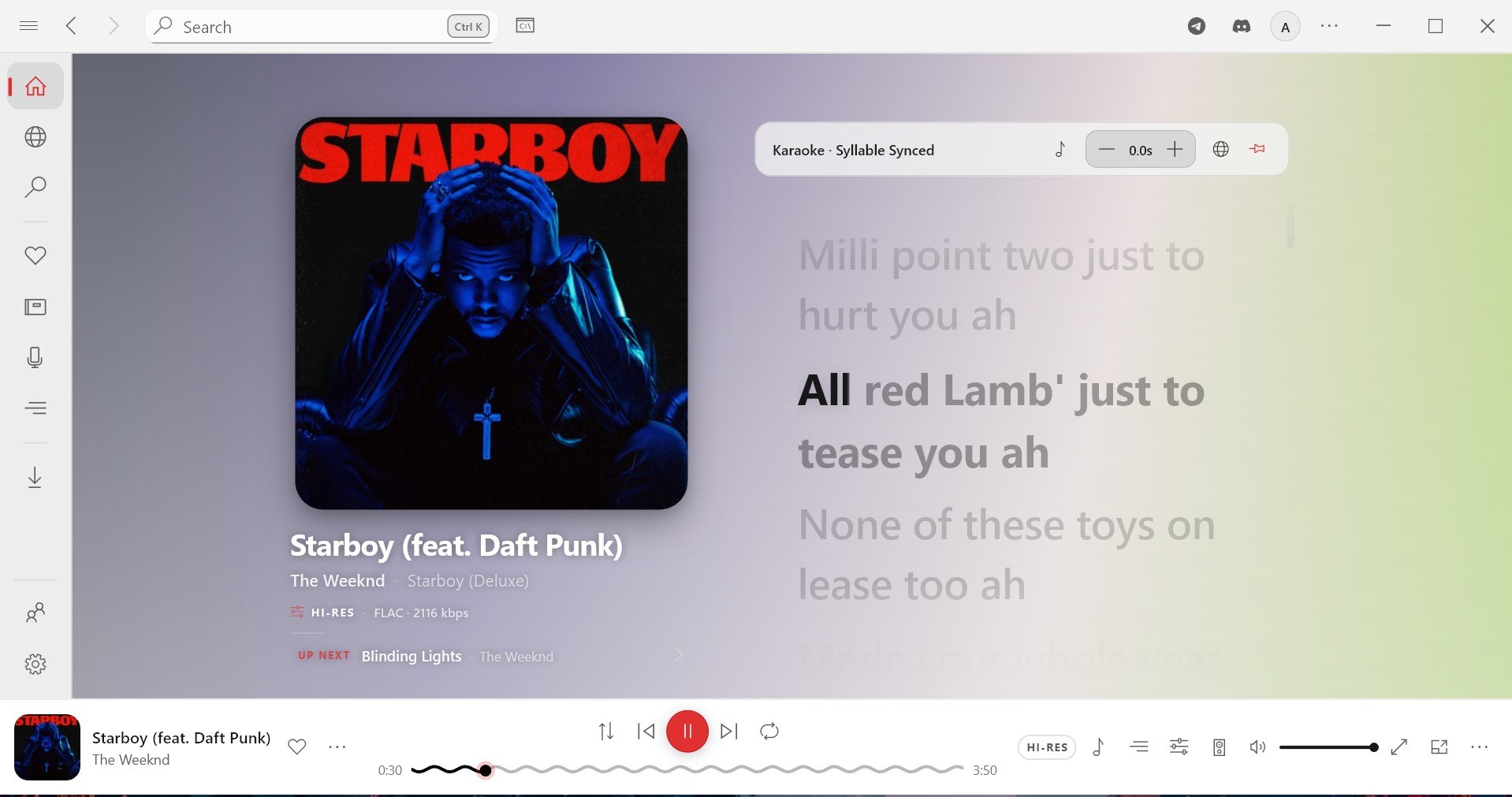
Give your music the whole room. Expansive album art, lyrics you can get lost in, and sound you can make your own.
Get LastWave Desktop Windows · macOS · Linux LastWave / DESKTOPThe player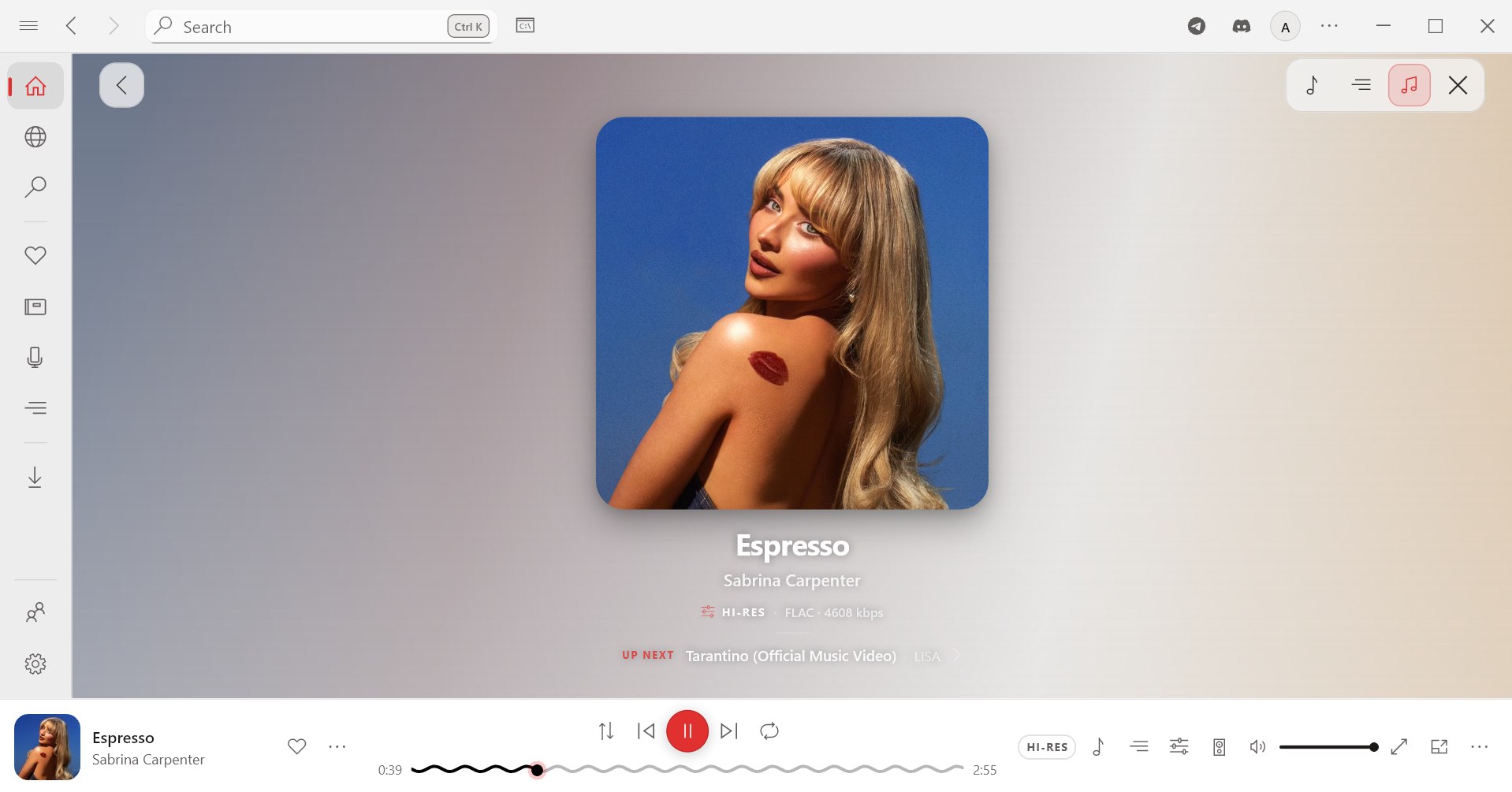
Album art takes center stage. Your favorite track gets all the room it deserves.
LASTWAVE JAM
Jam keeps everyone in sync across Android and Desktop, with live chat in the room. No account needed: pick a name, enter a room code, and press play.
TWO ROOMS ARE ALWAYS OPEN
ALWAYS ONINDIAFor IndiaOpen to everyone. Drop in and hear what the room is playing.
Join INDIA ALWAYS ONWORLDInternationalOpen to everyone. Listeners from anywhere, one shared queue.
Join WORLDOpen rooms are collaborative, with a short cooldown on skips and seeks so the room stays enjoyable.
05 / GET STARTED
Official downloads are on GitHub.
Free and open source.
Android 7.0+ (API 24+)
Windows 10 & 11 (.exe / .msix installer)
AppImage, Flatpak or deb packages
Apple Silicon & Intel (.dmg)
Download and run the installer for your system, or install the APK on your Android device.
In Settings → Audio, enable bit-perfect output, apply an equalizer or AutoEQ preset, and turn on the lossless addon (for Hi-Res addons, contact support on Discord or Telegram).
Start streaming, explore your radios and enjoy synced lyrics.
SMALL PROJECT. GROWING WAVE.
Every download. Every star.
A little more love for open-source music.
Explore the latest numbers on GitHub.
Public release asset downloads · Includes repeat downloadsDownloads count currently published release files, including repeat downloads.
THE PEOPLE BEHIND THE PLAY BUTTON
Two platforms. One shared obsession.
Meet the developers making LastWave happen.
Play local FLAC files or stream lossless audio through supported add-ons. Available quality depends on the source and track, with support up to 24-bit / 192 kHz. YouTube Music streams use AAC or Opus, rather than lossless FLAC. If a lossless source isn't available, playback can fall back to YouTube. For Hi-Res addons and more info, contact support on Discord or Telegram.
Yes. Both LastWave for Android and LastWave Desktop are free and open source. Explore the code, contribute, or build the apps yourself from their GitHub repositories.
LastWave is available for Android and for Windows, macOS, and Linux desktops. Check each project's latest release for supported versions and processor architectures. There isn't an iOS app.
Choose Android or Desktop in the download section below. For Android, download the APK, open it on your phone, and allow installation when Android asks. For desktop, choose the package for your operating system and follow the instructions in the release notes.
You can listen without one. Connect Last.fm in Settings → Integrations to record your listening activity and get personalized taste mixes, discovery, and insights.
Yes. Import public Spotify and Apple Music playlists into your LastWave library. The app matches tracks with the available catalog, so some songs may vary or be unavailable.
SUPPORT THE PROJECT
If LastWave has been useful to you,
consider supporting its development.
YOUR MUSIC. WHEREVER YOU ARE.
One love for music. A home on every screen.
Your everyday soundtrack, always with you.
Download Android APK Android release notes